

Managing your finances has never been more straightforward, thanks to the digital tools provided by Groupama Bank. Whether you are at home or on the move, accessing your accounts through the mobile application or the official website offers convenience and control at your fingertips. With the rise of digital banking, clients can now monitor their balances, review transactions, and manage their financial affairs with ease and confidence. This guide walks you through the essential steps to check your Groupama Bank accounts using both platforms, ensuring you stay informed about your financial health at all times.
Accessing Your Groupama Bank Account via the Mobile Application
Downloading and Installing the Groupama Mobile Banking App
Getting started with mobile banking begins with downloading the official banking application onto your smartphone or tablet. The app is designed to provide real-time account management and secure transactions, making it an indispensable tool for modern financial management. For users with Apple devices, the app requires iOS 15.0 or later and is compatible with both iPhone and iPad. The application is categorised under finance and has garnered positive feedback, boasting a rating of 4.7 out of 5 from thousands of users who appreciate its intuitive design and robust features.
Once you have located the app in the App Store or your device's application marketplace, simply tap the download button and wait for the installation to complete. The app is relatively compact, though it may require a stable internet connection due to its size. After installation, you will be prompted to open the app and begin the setup process. This typically involves entering your client credentials, which include your unique customer identifier and password. Ensure that you have these details ready before you proceed, as they are essential for accessing your account securely.
Logging In and Navigating Your Account Dashboard on Mobile
Upon launching the banking application, you will be greeted by a login screen that requests your credentials. Enter your customer number and password carefully, as these are your keys to accessing sensitive financial information. The app employs advanced security measures such as Securipass, which adds an extra layer of protection to your transactions and account access. This feature is particularly important for safeguarding your personal data and preventing unauthorised access.
After logging in successfully, you will be directed to your account dashboard. This is the central hub where all your financial information is displayed in a clear and organised manner. The dashboard provides an overview of your account balances, recent transactions, and any alerts or notifications from your bank. You can easily navigate between different sections, such as viewing detailed transaction history, tracking your budget, and categorising your expenses. The app also supports the linking of external bank accounts, allowing you to manage all your finances from a single platform. Additionally, the instant money transfer feature, known as Wero, enables you to send funds quickly and securely to other users, enhancing the convenience of digital banking.
Checking your groupama bank account through the official website
Accessing the groupama online banking portal
For those who prefer managing their finances from a computer, the official Groupama Bank website offers a comprehensive online banking portal. Accessing your account through the website is straightforward and requires only a stable internet connection and a web browser. Begin by navigating to the official Groupama Bank homepage. Look for the login section, which is typically located at the top right corner of the page. This section will prompt you to enter your client credentials, similar to the mobile app.
It is crucial to ensure that you are visiting the authentic website to protect yourself from phishing attempts and other security threats. Always verify the web address and look for security indicators such as a padlock symbol in the browser's address bar. Once you have confirmed that you are on the legitimate site, enter your customer identifier and password. The website employs secure encryption protocols to protect your information during transmission, ensuring that your login details remain confidential. If you have forgotten your password, there is usually an option to reset it by following a series of verification steps.
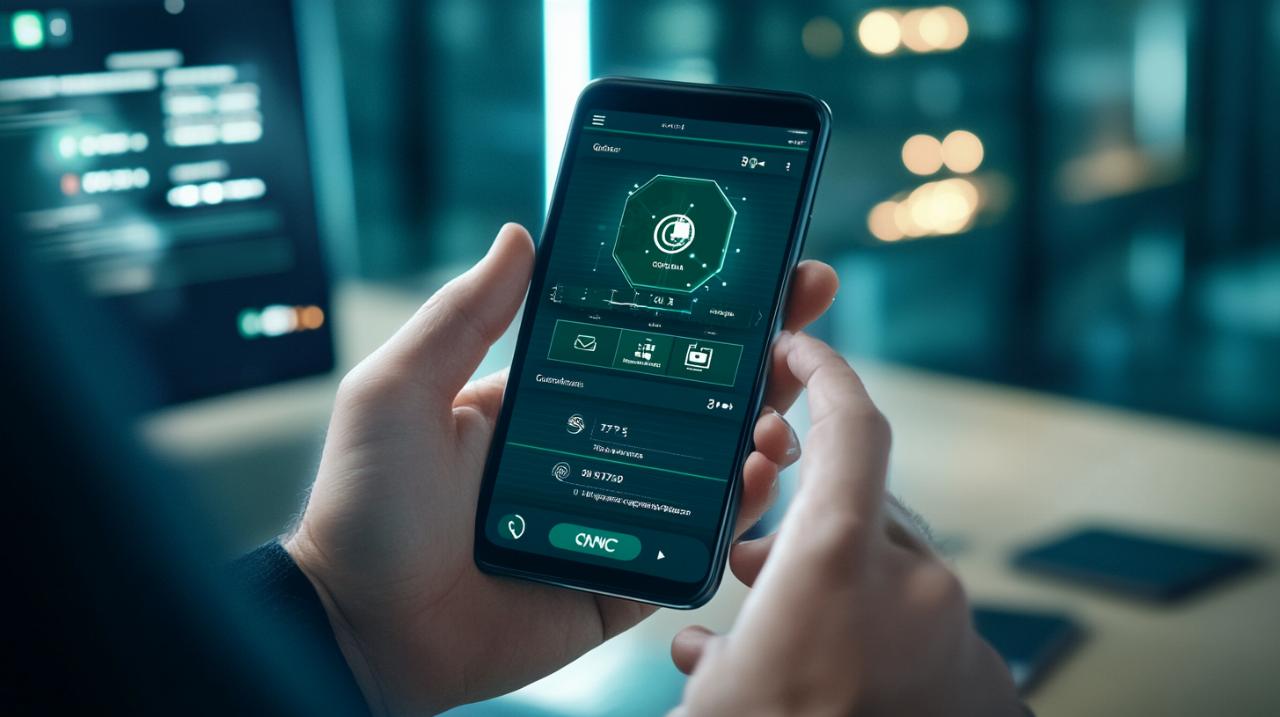
Viewing your account balances and transaction history online
After successfully logging into the online banking portal, you will be taken to your personal account dashboard. This interface is designed to provide a comprehensive overview of your financial status, much like the mobile app. The dashboard displays your current account balances, pending transactions, and recent activity. You can click on individual accounts to view more detailed information, including a complete transaction history that can be filtered by date, amount, or transaction type.
The website also offers tools for expense categorisation and budget tracking, which can help you maintain better control over your spending habits. These features allow you to set financial goals and monitor your progress over time. In addition to viewing your account details, you can schedule appointments with your bank advisor directly through the portal. This is particularly useful if you need personalised advice or assistance with more complex financial matters. The online banking platform also supports online insurance quotes and contract signing, streamlining the process of managing both your banking and insurance needs from a single location.
Ensuring security when accessing your groupama accounts digitally
Best Practices for Secure Online and Mobile Banking
Security is paramount when it comes to digital banking, and taking proactive steps to protect your account is essential. One of the most important practices is to use strong, unique passwords for your online banking accounts. Avoid using easily guessable information such as birthdays or common words. Instead, opt for a combination of letters, numbers, and special characters. It is also advisable to change your password regularly and never share it with anyone.
When accessing your account, always ensure that you are using a secure and private internet connection. Public Wi-Fi networks can be vulnerable to interception by malicious actors, so it is best to avoid logging into your bank account over such connections. If you must use public internet, consider using a virtual private network to encrypt your data. Additionally, be vigilant about suspicious emails or messages that claim to be from your bank. Legitimate banks will never ask you to provide your login credentials via email or text message. Always verify the authenticity of any communication before clicking on links or providing personal information.
Managing your statements and personal details safely
Keeping your personal information up to date is another critical aspect of secure banking. Regularly review your account statements to ensure that all transactions are legitimate. If you notice any discrepancies or unauthorised activity, contact your bank immediately to report the issue. Most banking applications and websites offer the ability to download and save your statements as secure documents, which can be useful for record-keeping and financial planning.
The banking application also includes accessibility features designed to support users with disabilities, such as those who are visually impaired. These enhancements ensure that all clients can navigate the app and manage their accounts with ease. Furthermore, updates to the app and website are rolled out regularly to introduce new features and security improvements. It is advisable to enable automatic updates so that you always have access to the latest tools and protections. By staying informed and adopting these best practices, you can enjoy the convenience of digital banking while keeping your financial information secure.